
Nginx is a high-performance web server known for its stability, rich feature set, and low resource consumption. Here’s the step by step tutorial which shows how to install Nginx on CentOS 7.
Updating System Packages
Update your system’s packages:
sudo yum update -y
Adding EPEL Repository
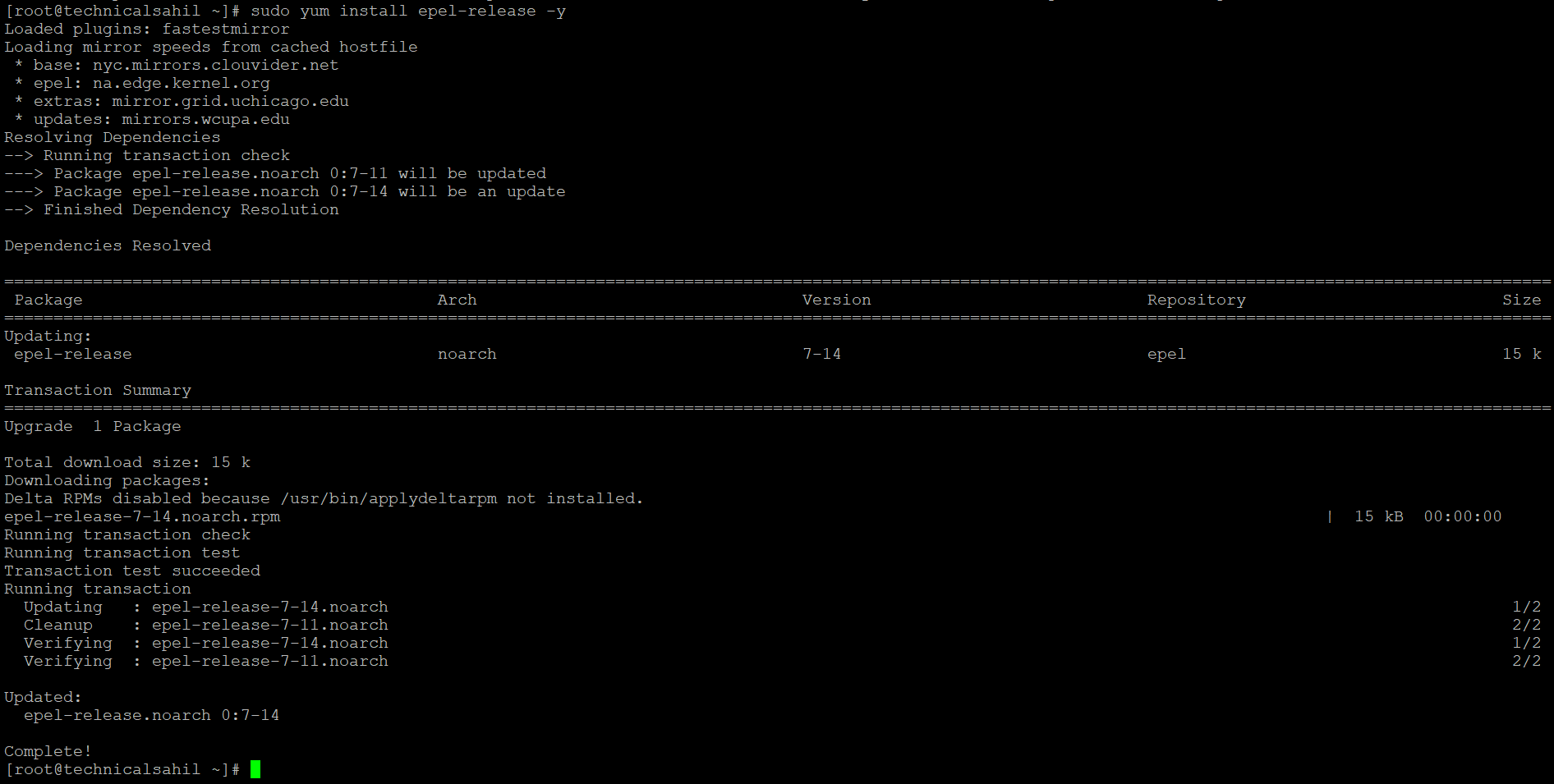
Nginx is available in the EPEL repository. Enable it with:
sudo yum install epel-release -y
Installing Nginx
Install Nginx:
sudo yum install nginx -y
Starting and Enabling Nginx
Start and enable Nginx to launch on boot:
sudo systemctl start nginx
sudo systemctl enable nginx
Configuring Firewall
Allow HTTP and HTTPS traffic through the firewall:
sudo firewall-cmd --permanent --zone=public --add-service=http
sudo firewall-cmd --permanent --zone=public --add-service=https
sudo firewall-cmd --reload
Accessing Nginx
Verify the installation by accessing your server’s IP address in a web browser. You should see the Nginx welcome page.
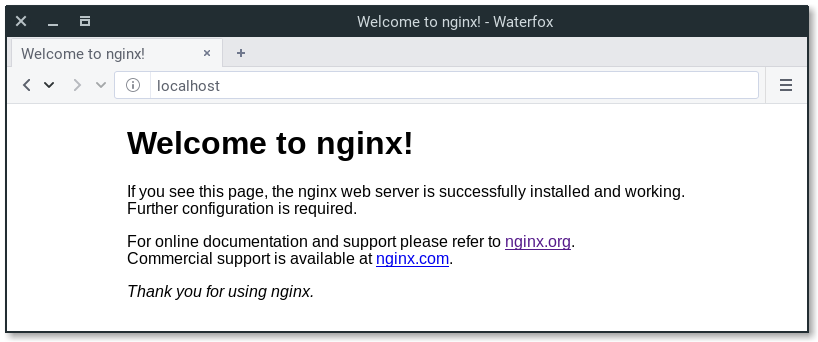
Nginx is now installed and running on your CentOS 7 server. You can begin hosting websites and web applications with Nginx, taking advantage of its efficiency and scalability.