
Apache HTTP Server, commonly referred to as Apache, is a widely-used web server software. This article will explain how to install Apache on CentOS 7.
Updating System Packages
Begin by updating your system’s packages:
sudo yum update -y
Installing Apache
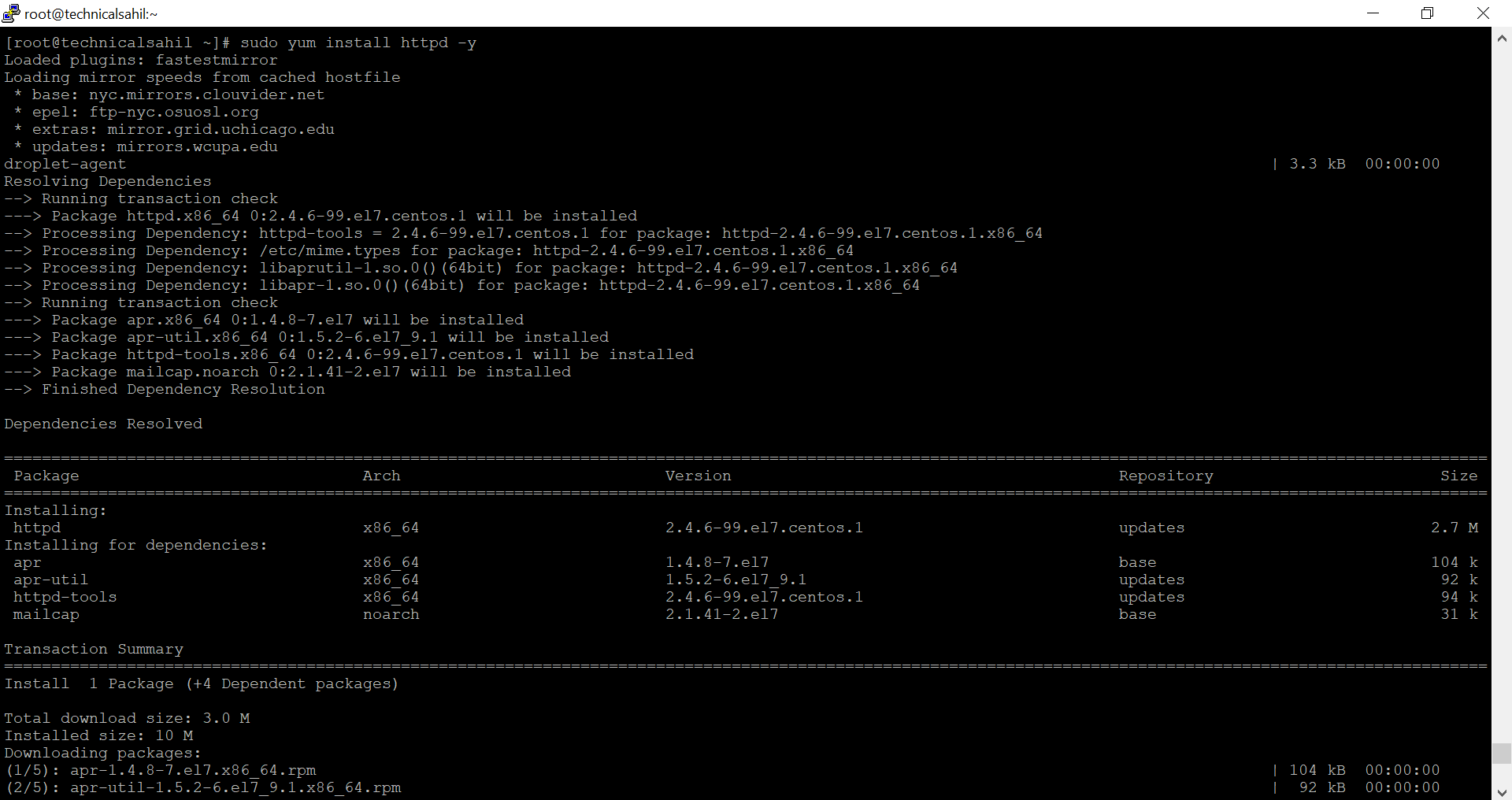
Install Apache using CentOS’s package manager:
sudo yum install httpd -y
Starting and Enabling Apache
After installation, start the Apache service:
sudo systemctl start httpd
Enable Apache to start on boot:
sudo systemctl enable httpd
Configuring Firewall
Allow HTTP traffic through the firewall:
sudo firewall-cmd --permanent --zone=public --add-service=http
sudo firewall-cmd --reload
Testing Apache
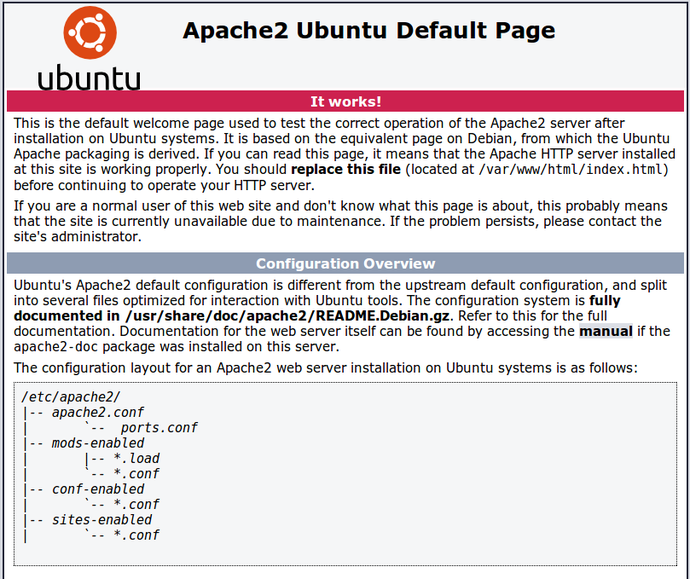
Confirm the installation by accessing your server’s IP address in a web browser. You should see the Apache test page.
Apache is now installed and operational on your CentOS 7 server. It’s ready to host your websites and web applications.